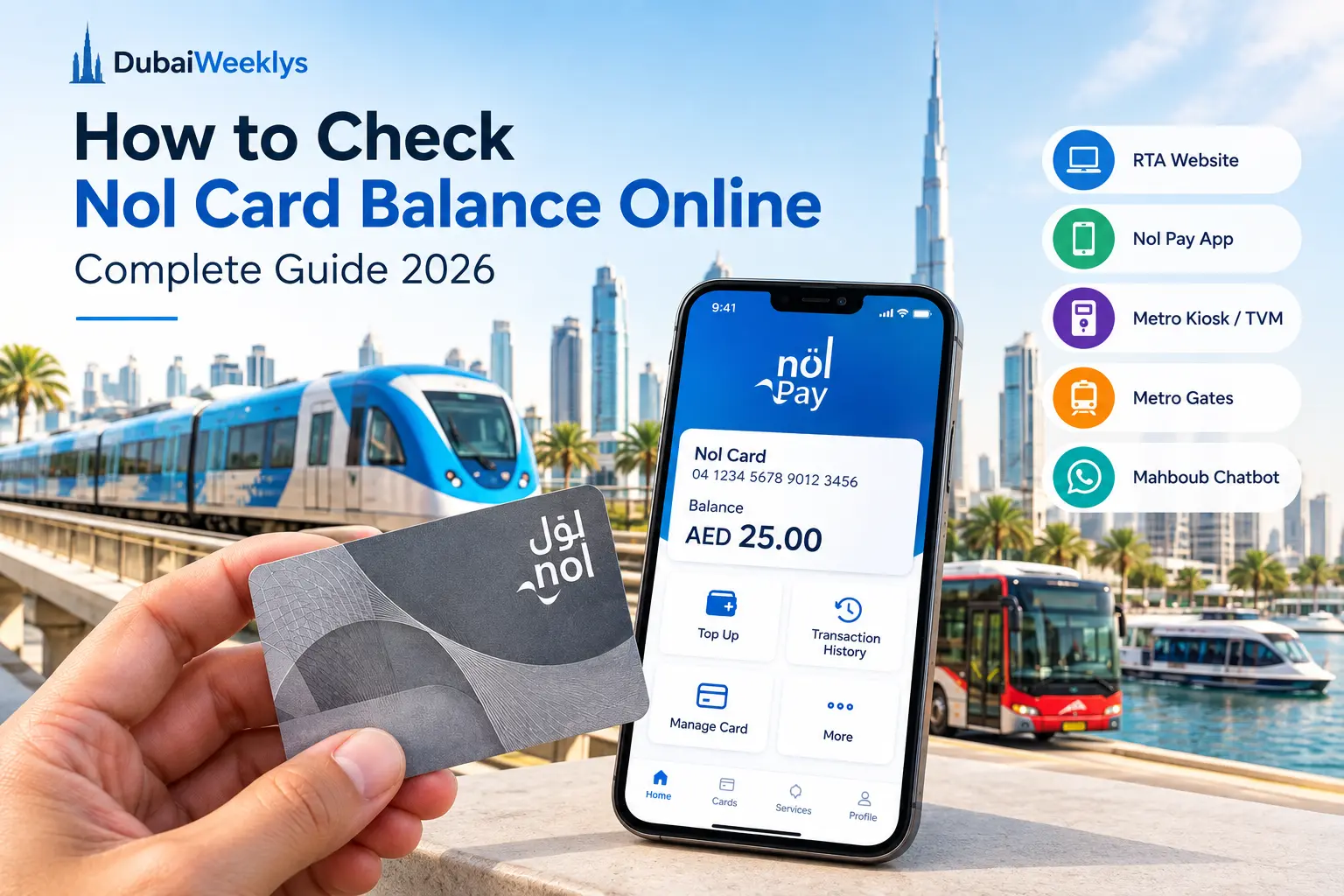
Whether you live in Dubai or are visiting as a tourist, the Nol Card is an essential part of getting around the city. It can be used on the Dubai Metro, buses, trams and water buses, making it one of the most convenient ways to pay for public transport in Dubai.
- What Is a Nol Card?
- Ways to Check Your Nol Card Balance
- 1. Check Nol Card Balance on the RTA Website
- 2. Check Your Balance With the Nol Pay App
- 3. Check Your Balance by SMS
- 4. Check Your Balance at a Ticket Vending Machine
- 5. Check Your Nol Card at a Metro Station
- 6. Use RTA’s Mahboub Chatbot
- What Is the Nol Tag ID?
- Why Has My Nol Card Balance Not Updated After a Top-Up?
- How Much Balance Do You Need on a Nol Card?
- Can Tourists Check Their Nol Card Balance?
- What Happens If Your Nol Card Expires?
- Can You Transfer the Remaining Nol Balance to Another Card?
- What Should You Do If Your Nol Card Balance Is Wrong?
- Tips for Managing Your Nol Card
- Frequently Asked Questions About Nol Card Balance
- How can I check my Nol Card balance online?
- Can I check my Nol Card balance by SMS?
- Where can I find my Nol Tag ID?
- Is checking my Nol Card balance free?
- How long does a Nol top-up take to appear?
- Can I activate a pending Nol top-up at a Metro gate?
- Can I activate a pending top-up using a bus validator?
- What is the minimum Nol Card balance required for travel?
- How long is a Nol Card valid?
- Can I transfer my remaining Nol balance if my card expires?
- Final Thoughts
Knowing your Nol Card balance before starting a journey can save you from an awkward situation at the Metro gate or while boarding public transport. Fortunately, there are several official RTA options for checking and managing your card.
This guide explains how to check your Nol Card balance online, how to use the Nol Pay app, where to check your balance at a Metro station, how to check it by SMS, how Mahboub fits into RTA’s Nol services, and what to do if a recent top-up has not appeared yet.
Updated September 2026: This guide has been reviewed against current Roads and Transport Authority (RTA) information and available Nol services.
What Is a Nol Card?
A Nol Card is a contactless smart card issued by Dubai’s Roads and Transport Authority (RTA). It allows passengers to pay for journeys on the Dubai Metro, buses, trams and water buses.
Different types of Nol Cards are available, including Silver, Gold, Blue and Red Tickets. The card you use depends on your travel needs and the type of public transport service you want to access.
Your Nol Card has a unique Nol Tag ID, which is printed on the back of the card. The Tag ID is used for several RTA online services, including checking your Nol Card balance and managing your card.
Ways to Check Your Nol Card Balance
There are several ways to check or manage your Nol Card balance, depending on whether you are using your phone, the RTA website or a physical RTA machine.
1. Check Nol Card Balance on the RTA Website
The official RTA website is one of the simplest ways to check your Nol Card balance online.
Follow these steps:
- Go to the official RTA website.
- Look for the Check nol Balance service.
- Enter your Nol Tag ID.
- Select Search or Check to view your balance.
The RTA website currently provides a dedicated nol Balance field where users can enter their Nol Tag ID.
You do not need to visit a Metro station simply to check your balance. This option is useful when you want to confirm your available balance before leaving home.
Always use the official RTA website when entering your Nol Card information.
2. Check Your Balance With the Nol Pay App
The Nol Pay app is particularly useful for regular commuters who want to manage their Nol Card from their phone.
The app supports several Nol services, including checking card information, topping up a physical card and managing other Nol Card features. Physical card users can add their card to the app and use their phone’s NFC function where supported.
For regular public transport users, Nol Pay can be more convenient than checking the RTA website every time.
3. Check Your Balance by SMS
If you don’t have internet access, or simply want the fastest option while on the move, RTA also offers a balance check by text message:
- Open the messaging app on your phone.
- Type “BAL” or “BALANCE”.
- Send the message to 511.
- You will receive a reply showing your current balance.
This method works anywhere you have mobile signal, even without a data connection, which makes it especially useful for tourists relying on limited roaming data.
4. Check Your Balance at a Ticket Vending Machine
If you are already at a Dubai Metro station, you can use an RTA Ticket Vending Machine (TVM) or another available Nol service machine.
These machines can be used for various Nol Card services, including topping up your card. RTA also lists Ticket Vending Machines and Ticket Office Machines among its official Nol service channels.
For a quick balance check before travelling, using an RTA machine at a Metro station can be convenient when you do not want to use your phone.
5. Check Your Nol Card at a Metro Station
Your Nol Card is used directly at Metro gates when entering and leaving the system. If you have recently topped up your card online, Metro gates can also be used to activate certain pending top-ups after the required waiting period.
RTA currently lists Metro gates among the devices that can activate eligible pending online top-ups.
6. Use RTA’s Mahboub Chatbot
RTA’s Mahboub chatbot provides access to several RTA services, including Nol-related services.
RTA currently lists Mahboub as an official channel for Nol services. For example, users can start a Nol top-up service through the chatbot and enter their Nol Tag ID as part of the process.
Mahboub is therefore useful when you want to interact with RTA digitally without navigating through multiple service pages.
What Is the Nol Tag ID?
The Nol Tag ID is the unique number associated with your Nol Card. It is printed on the back of the physical card.
The RTA balance-checking page asks for the Nol Tag ID before showing the relevant balance information.
If you are entering the number manually, check each digit carefully before submitting the request.
Why Has My Nol Card Balance Not Updated After a Top-Up?
One of the most common issues Nol Card users experience is a delay after making an online recharge.
When you top up through certain online channels, the money may initially remain as a pending top-up. You may then need to activate it before it becomes available on your physical card.
RTA currently states that top-ups made through the RTA website and certain other channels can require a waiting period of 45 minutes to 4 hours before activation.
How to Activate a Pending Nol Top-Up
Depending on how you made the payment, you may be able to activate the balance through:
- The Nol Pay app
- A Metro gate
- A parking meter
- A bus solar-powered top-up machine
- Other supported RTA activation devices
RTA says that top-ups made using Nol Pay with NFC can be activated immediately after the required second tap. Online top-ups made using a manually entered Tag ID may require the 45-minute to 4-hour waiting period before activation.
If you use a Metro gate specifically to activate a pending balance without travelling, RTA advises checking in and checking out within two minutes to avoid a fare deduction.
How Much Balance Do You Need on a Nol Card?
You generally need at least AED 7.50 on your Nol Card before checking in for public transport.
This is why it is a good idea to check your Nol Card balance before travelling, particularly if you have not topped up recently.
Having enough credit on the card helps prevent problems when entering the Metro or using other RTA public transport services.
Can Tourists Check Their Nol Card Balance?
Yes. Visitors and tourists can use Nol Cards for public transport in Dubai and can use the available RTA services to manage their cards.
If you are staying in Dubai for several days and using the Metro or buses regularly, checking your balance before travelling can help you avoid having to stop at a ticket machine unexpectedly. The SMS option is particularly useful for tourists who may not have local data.
What Happens If Your Nol Card Expires?
Nol Card validity depends on the type of card.
- Silver Nol Card: Generally valid for 5 years.
- Gold Nol Card: Generally valid for 5 years.
- Blue Nol Card: Generally valid for 5 years.
- Red Ticket: Valid for 90 days or 10 single trips, whichever comes first.
If your card is expired, damaged or no longer usable, RTA provides services for handling the remaining balance.
For eligible cards, RTA allows customers to request a refund of the remaining balance, including transferring the amount to an alternative Nol Card.
For this reason, do not assume that an expired card automatically means the money is lost. Check the available RTA refund or transfer options for your specific card.
Can You Transfer the Remaining Nol Balance to Another Card?
In certain situations, RTA allows a remaining Nol Card balance to be transferred to another eligible Nol Card.
RTA’s current refund service allows customers to select a balance transfer option and transfer the remaining amount to an alternative Nol Card, subject to the applicable eligibility requirements and process.
If your card is expired, lost, damaged or faulty, check the current RTA refund and replacement requirements before purchasing another card.
What Should You Do If Your Nol Card Balance Is Wrong?
If the balance displayed does not match what you expected, check your recent transactions and top-up history first.
Possible reasons include:
- A recent top-up is still pending.
- The top-up has not yet been activated.
- A recent journey has been deducted from your balance.
- You entered the wrong Nol Tag ID.
- The card has expired or has another status issue.
- There may be a temporary technical problem.
If the problem continues, contact RTA through its official customer service channels rather than entering your card details on an unofficial website.
Tips for Managing Your Nol Card
A few simple habits can make using a Nol Card easier:
- Check your balance regularly, especially if you use public transport every day.
- Top up before your balance gets too low so you are not caught at a Metro gate.
- Keep your Nol Tag ID available when using RTA online services.
- Allow 45 minutes to 4 hours for eligible pending top-ups before attempting activation.
- Use Nol Pay with NFC when available for faster top-up activation.
- Use the SMS service (511) when you have no internet access.
- Check your card’s validity from time to time.
- Use official RTA services when checking your balance or adding money.
- Keep your physical card safe, particularly if it contains a remaining balance.
Frequently Asked Questions About Nol Card Balance
How can I check my Nol Card balance online?
You can check your Nol Card balance online through the official RTA website using your Nol Tag ID. You can also use the Nol Pay app for Nol Card management and related services.
Can I check my Nol Card balance by SMS?
Yes. Type “BAL” or “BALANCE” and send it to 511. You will receive a reply with your current balance. This works without an internet connection.
Where can I find my Nol Tag ID?
Your Nol Tag ID is printed on the back of your physical Nol Card. You need this number for several RTA online services.
Is checking my Nol Card balance free?
Checking your balance through the official RTA balance-checking service does not require a separate balance-checking fee.
How long does a Nol top-up take to appear?
For eligible online top-ups made using a Tag ID, RTA currently states that you may need to wait 45 minutes to 4 hours before activating the balance.
Can I activate a pending Nol top-up at a Metro gate?
Yes. RTA lists Metro gates as one of the supported activation methods for eligible pending top-ups.
Can I activate a pending top-up using a bus validator?
RTA’s current activation information lists bus solar-powered top-up machines, but not ordinary bus validators, as activation devices. Therefore, use one of the supported RTA activation methods rather than relying on a regular bus validator.
What is the minimum Nol Card balance required for travel?
You generally need a minimum balance of AED 7.50 before checking in for public transport.
How long is a Nol Card valid?
Silver, Gold and Blue Nol Cards are generally valid for five years, while a Red Ticket is valid for 90 days or 10 single trips, whichever comes first.
Can I transfer my remaining Nol balance if my card expires?
Eligible Nol Card balances can be handled through RTA’s refund service, which can allow the remaining amount to be transferred to an alternative Nol Card depending on the card type and eligibility requirements.
Final Thoughts
Checking your Nol Card balance takes only a few moments and can save you from unnecessary delays during your journey. The official RTA website, Nol Pay app and SMS service are the easiest options when you’re away from a Metro station, while station kiosks and gates provide convenient alternatives when you are already travelling.
If you regularly use the Dubai Metro, bus, tram or water bus, make checking your balance part of your routine. And if you have recently topped up online, remember that some top-ups can take 45 minutes to 4 hours before they can be activated.
Most importantly, use official RTA channels whenever you check your Nol Card balance, top up your card or manage your remaining balance.